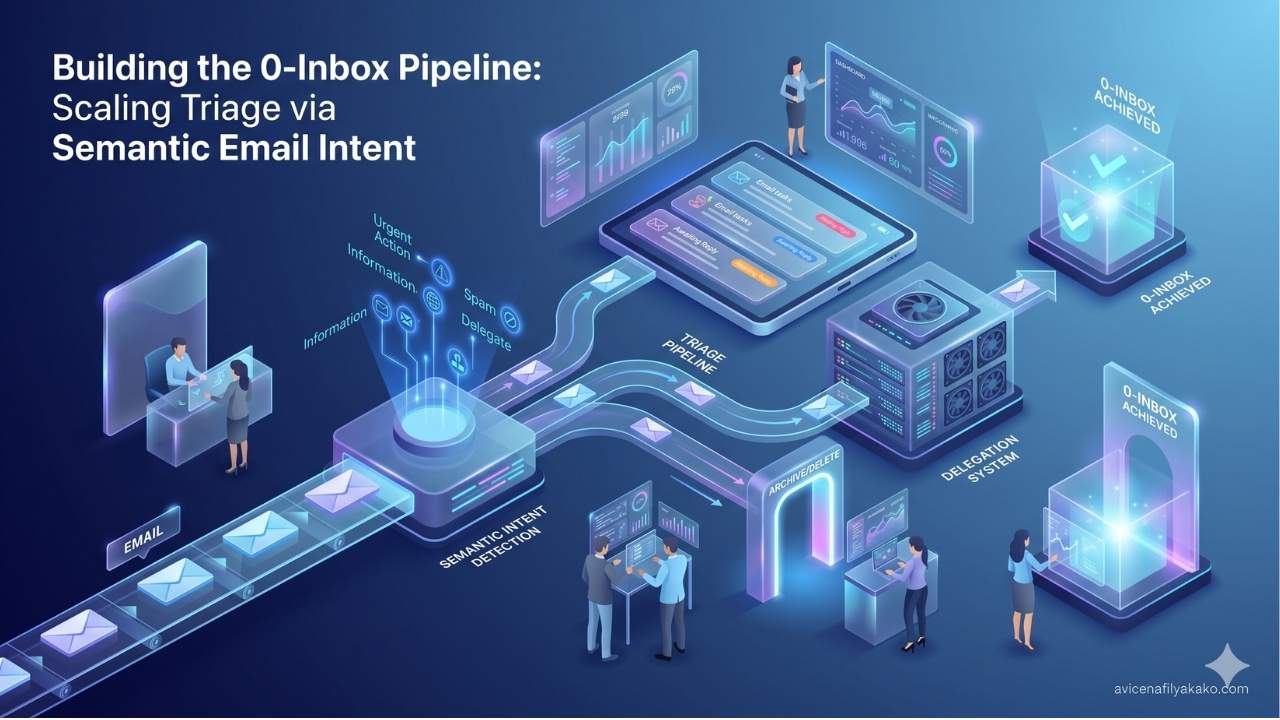
The traditional promise of Inbox Zero has turned into a data entry chore. Standard email filters rely on rigid, rule-based systems: if a subject line contains “Invoice,” it goes to finance; if it contains “Unsubscribe,” it goes to the trash.
This approach breaks down because human communication does not follow strict syntax. A regular expression cannot distinguish between an angry client demanding a refund and a prospect asking for an adjustment on a quote. Both use the word “change,” but their underlying email intent is entirely different.
To solve this, we have to move beyond simple keyword filtering. True automated triage requires understanding the semantic meaning behind an inbound message. By leverage Large Language Models (LLMs) like the GPT-4 API or Gemini AI, you can build an automated classification pipeline that reads incoming mail, determines the sender’s actual intent, and orchestrates the next programmatic action.
Why Rules Fail and Semantics Win
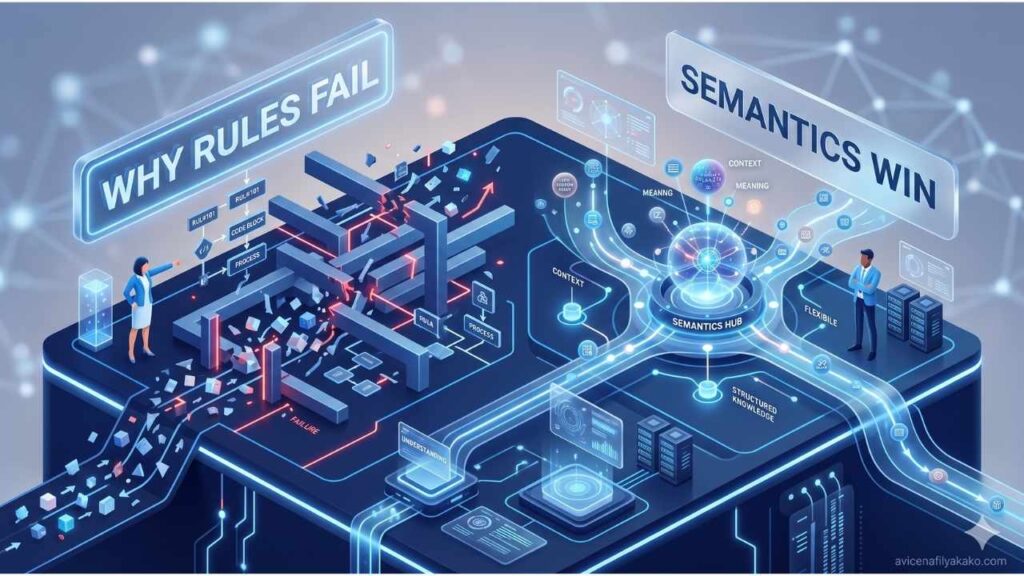
Traditional email filters operate on static logic. If a client writes, “I am looking at alternative options because the implementation timeline is slipping,” a standard filter looks for keywords like “timeline” or “implementation” and leaves it sitting in a generic project folder.
An AI-driven intent classifier reads the underlying message: high churn risk.
When building an intelligent inbox workflow, you shift the system from asking “What words are in this email?” to asking “What does this person want next?”
| Categorization Method | Mechanism | Primary Strength | Critical Weakness |
|---|---|---|---|
| Rule-Based (Regex) | String matching | Zero latency, free to run | Fails on typos, nuance, and context |
| Traditional ML (Naïve Bayes) | Statistical token probability | Fast training on historical data | Misclassifies sarcasm or multi-intent text |
| LLM Classification | Semantic embedding & reasoning | Understands context and tone | Incurs API cost and token latency |
Building this system requires a clear taxonomy of intent. Instead of sorting by department, you categorize by the transactional or informational nature of the communication.
Designing the Intent Taxonomy
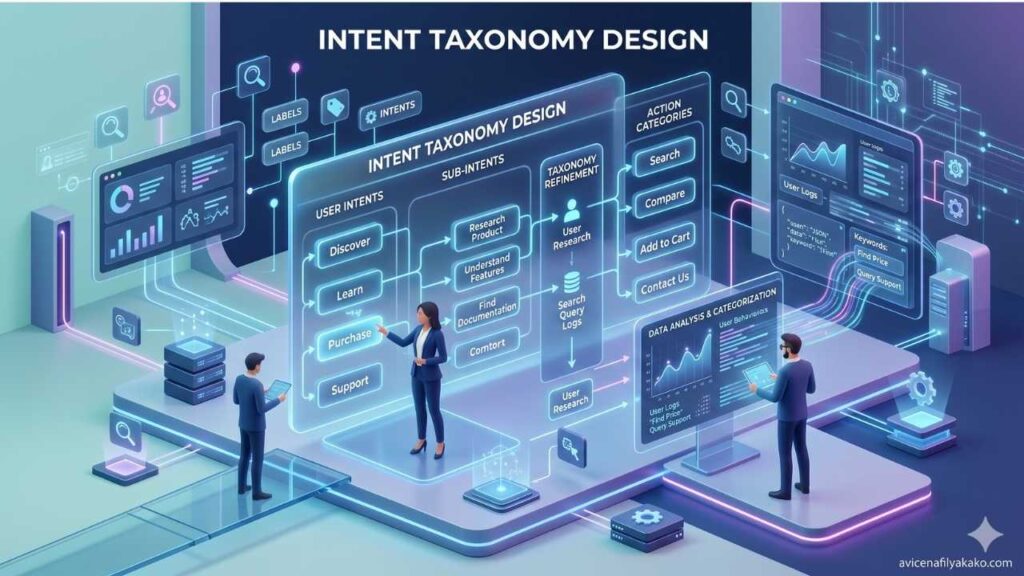
Before writing a single line of script or connecting an API to your mail server, you must establish your routing vectors. A chaotic system of 50 different labels will cause the LLM’s classification accuracy to plummet. Limit your primary sorting architecture to a tight set of highly distinct intents.
1. Transactional/Transactional Lead
The sender wants to buy, upgrade, or initiate a commercial engagement.
- Signal: Pricing inquiries, RFP submissions, custom quote requests.
- Action: Route directly to your CRM, update lead value, and pre-generate a tailored proposal draft.
2. Operational / Account Management
The sender is an existing client or partner requiring assistance with ongoing work.
- Signal: Asset delivery, deadline updates, scheduling adjustments.
- Action: Tag with the active project ID, append to the internal project management tool, and mark as read if no immediate response is required.
3. Support / Escalation
The sender is experiencing a technical or service breakdown that requires rapid intervention.
- Signal: Bug reports, login failures, missing data, cancellation threats.
- Action: Trigger an immediate push notification to your phone or team channel and set a high priority tag in your ticketing dashboard.
4. Low-Value / Informational
Newsletters, cold sales pitches, automated notifications, and transactional receipts.
- Signal: “Just following up on my previous message,” monthly statements, platform updates.
- Action: Archive instantly or route to a weekly digest folder that skips the primary inbox entirely.
Building the Triage Pipeline with GPT-4 and Gemini
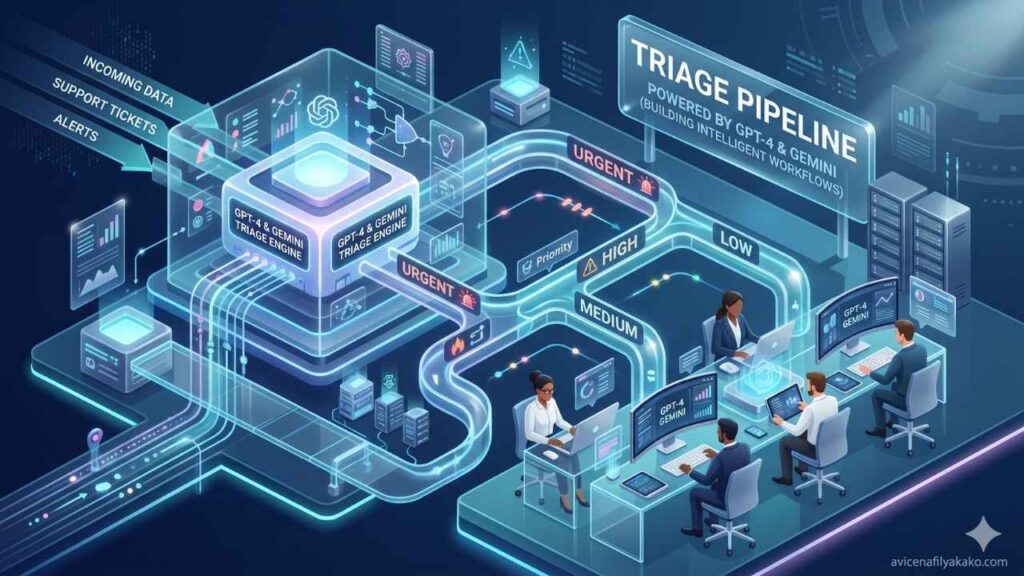
To construct an automated system, you interface your email provider’s webhooks (such as Gmail or Outlook) with an automation stack. Before writing code, weigh whether to build a personal AI assistant using Python vs no-code platforms depending on your deployment speed, or deploy a custom script directly onto a serverless function.
An architecture designed to reclaim your time needs to ingest the email body, sanitize the data to save tokens, pass it to an LLM for classification, and execute a downstream step based on the structured JSON payload returned by the model.
{
  "email_id": "msg_987654321",
  "primary_intent": "Support / Escalation",
  "confidence_score": 0.94,
  "urgency_level": "High",
  "recommended_action": "Notify engineer, pre-draft system status apology"
}
When building this pipeline, your choice of model depends heavily on throughput and specific use cases. The GPT-4 API offers robust reasoning capabilities for highly nuanced, multi-part enterprise communication, while Gemini AI models provide massive context windows and rapid processing for heavy attachments.
# Conceptual example of an intent parsing payload
import os
import openai

def classify_email_intent(email_body):
    response = openai.chat.completions.create(
        model="gpt-4-turbo",
        response_format={ "type": "json_object" },
        messages=[
            {"role": "system", "content": "You are a precise email triage assistant. Categorize incoming emails into one of four intents: Lead, Operational, Support, or Low-Value. Return a valid JSON object matching the requested schema without conversational text."},
            {"role": "user", "content": f"Analyze this email body: {email_body}"}
        ]
    )
    return response.choices[0].message.content
To maintain total system reliability, implement a defensive design pattern. If the model’s confidence score drops below 0.80, or if an automated AI detector flag suggests the email is a highly obfuscated script, bypass automation entirely. Route the message into a “Manual Review” folder. This ensures you never miss a client email because the model failed to comprehend an unusual phrasing.
For a deeper look into the operational realities of handling vast quantities of messages without human intervention, analyzing how practitioners use AI agents for emails can provide valuable architectural insights. Similarly, developers looking to completely eliminate manual email workflows frequently leverage structured JSON filtering to systematically maintain clean communication channels.
Optimizing the System for Long-Term Maintenance
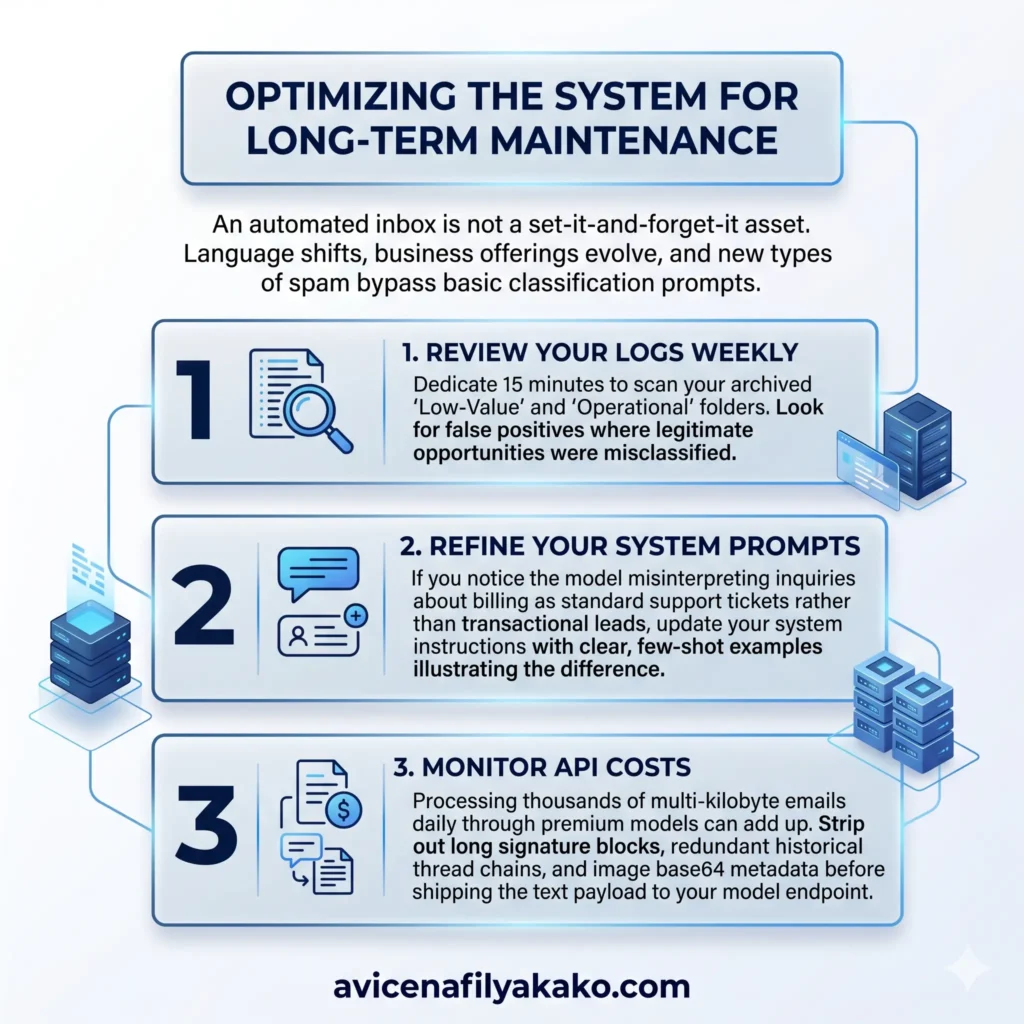
An automated inbox is not a set-it-and-forget-it asset. Language shifts, business offerings evolve, and new types of spam bypass basic classification prompts.
- Review Your Logs Weekly: Dedicate 15 minutes to scan your archived “Low-Value” and “Operational” folders. Look for false positives where legitimate opportunities were misclassified.
- Refine Your System Prompts: If you notice the model misinterpreting inquiries about billing as standard support tickets rather than transactional leads, update your system instructions with clear, few-shot examples. For highly specific communication styles that outgrow standard prompting, you can explore fine-tuning a personal LLM for emails to dramatically increase downstream classification accuracy.
- Monitor API Costs: Processing thousands of multi-kilobyte emails daily through premium models can add up. Strip out long signature blocks, redundant historical thread chains, and image base64 metadata before shipping the text payload to your model endpoint.
Email Intent FAQs
How does an AI intent classifier handle emails with multiple requests?
The system utilizes hierarchical classification prompts to identify the dominant or highest-risk intent first. If an email contains both a support issue and a secondary product inquiry, the model flags the primary intent as “Support/Escalation” to ensure technical issues are handled before sales inquiries.
Will using an LLM to sort emails expose sensitive client data?
Data privacy depends entirely on your API data privacy agreement and model configuration. When using enterprise tier API endpoints from providers like OpenAI or Google Cloud, your submitted data is not utilized to train public underlying foundation models, ensuring compliance with standard corporate privacy protocols.
What is the average latency for an AI email sorting pipeline?
The processing time typically ranges between 1.5 to 4 seconds per incoming email, depending on the length of the message body and the specific model endpoint used. This sub-fabulous delay has no measurable impact on standard asynchronous email communication workflows.
Stop treating every incoming email as an equal demand on your attention. By shifting your inbox strategy away from keyword sorting and toward an automated system that classifies explicit email intent, you turn your communication hub from a chaotic to-do list into an organized, programmable stream of business data.
Disclaimer: The information provided in this article is for educational and general informational purposes only and should not be construed as professional advice (such as legal, medical, or financial). While the author strives to provide accurate and up-to-date information, no representations or warranties are made regarding its completeness or reliability. Any action you take based on this information is strictly at your own risk.