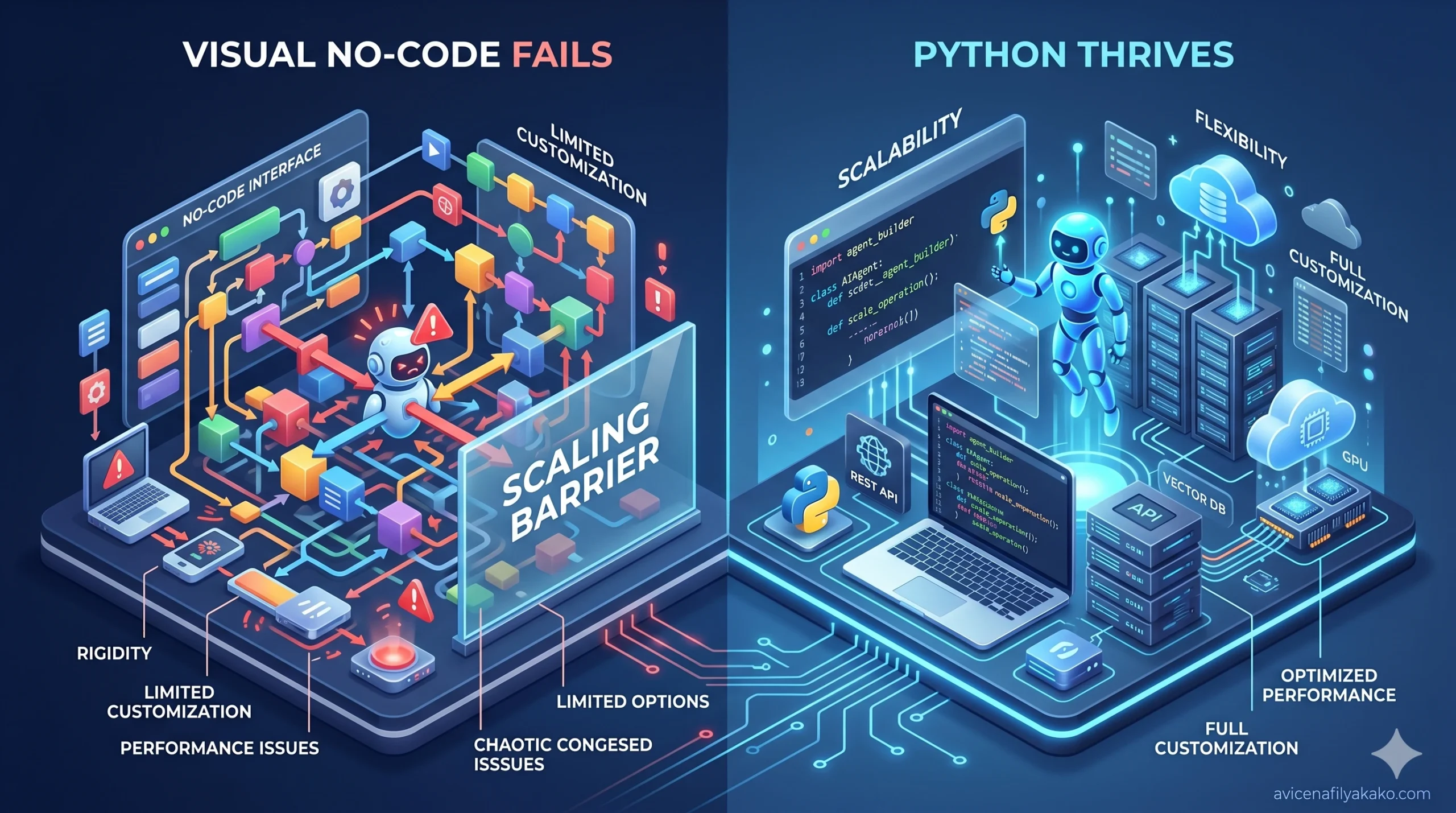
Building an autonomous agent to handle your workflows is no longer a theoretical exercise. If you are looking to deploy an AI agent build to manage your data, handle communications, or execute multi-step logic loops, you face a foundational fork in the road: writing raw script or configuring a visual node builder.
The decision is frequently oversimplified. Most surface-level guides suggest that if you know how to program, you should use Python; if you do not, you must use a visual automation platform.
This framework is flawed. The choice between Python and visual platforms like Make.com impacts structural factors beyond simple syntax. It dictates how your system handles context window management, structures conditional logic, processes API payloads, and scales financially as transaction volume increases.
The Core Dilemma: Control vs. Assembly Speed
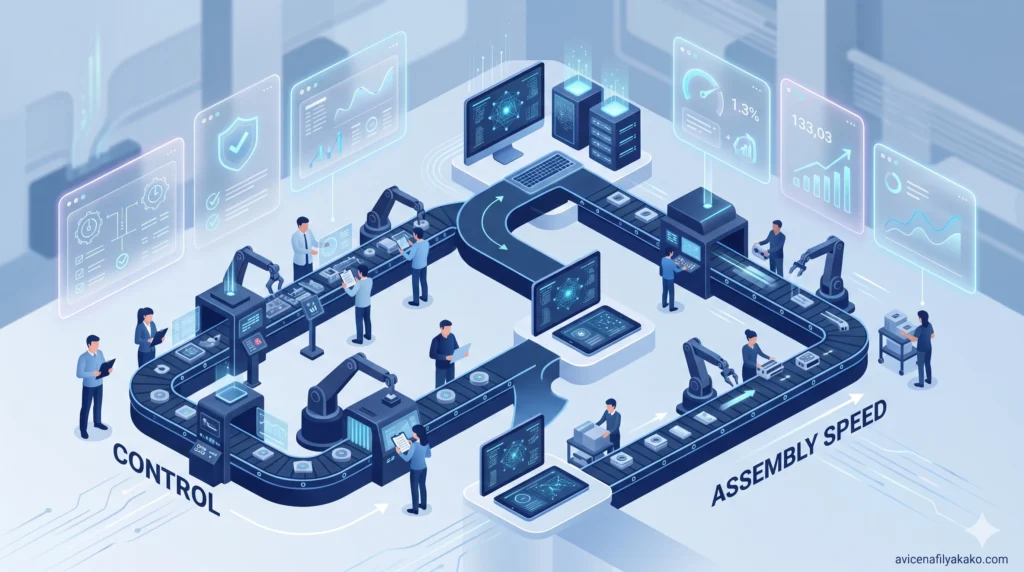
An effective personal assistant requires three core components: an orchestration layer (the brain), a data persistence layer (the memory), and integration endpoints (the hands).
- Python (LangChain / State Machines)
- No-Code (Make.com / Logic Flows)
The approach you select changes how these components interact. No-code platforms accelerate assembly by abstracting the authentication, rate-limiting, and payload mapping of external services into visual blocks.
Python, conversely, demands manual implementation of these integration details but provides granular control over how data moves through the runtime environment.
Defining the No-Code Ecosystem
No-code engineering relies on platforms like Make.com, Zapier, or n8n to build an AI agent build. These tools use standard webhooks and HTTP modules to chain applications together.
In this ecosystem, your logic flow is defined visually. Data outputs from one module (such as an email parsing node) feed directly into the prompt inputs of an LLM node, like Claude AI or GPT-4.
The primary advantage is speed. Connecting a Google Sheet to an automation model requires zero configuration files, dependency management, or OAuth handling. This makes it incredibly easy to rapidly deploy systems like a voice-to-task AI workflow automation for hands-free productivity.
Defining the Programmatic Ecosystem
The programmatic approach relies on Python scripts, structured frameworks like LangChain or LangGraph, and native SDKs. Rather than relying on pre-built application connectors, you handle interactions directly through native code.
Python
import os
from anthropic import Anthropic

# Initializing a direct, programmatic runtime environment
client = Anthropic(api_key=os.environ.get("ANTHROPIC_API_KEY"))

def execute_agent_step(user_input):
    message = client.messages.create(
        model="claude-3-5-sonnet-20241022",
        max_tokens=1024,
        messages=[{"role": "user", "content": user_input}]
    )
    return message.content
This method forces you to manage your own runtime, environment variables, and error handling loops. However, it completely eliminates the constraints imposed by proprietary visual interfaces.
Architectural Deep Dive: How Both Systems Handle Key Operations
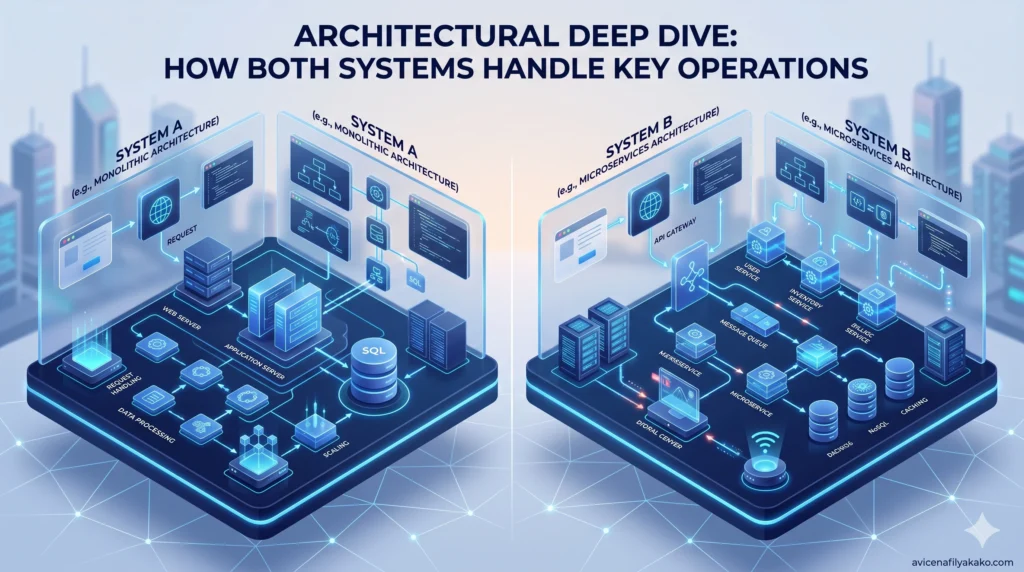
Evaluating which path to take requires analyzing how specific operations execute under the hood.
State Management and Memory
A primitive assistant treats every interaction as an isolated event. A true personal assistant requires persistent memory to preserve context across multiple execution cycles.
In visual no-code builders, state management is notoriously difficult to optimize. To pass variables across different execution pathways, you must constantly read and write to an external database or utilize basic, platform-specific key-value stores. This introduces significant latency.
When managing multi-step loops where the assistant must remember user preferences from three steps prior, passing those payloads through visual arrays often leads to broken data mappings and bloated execution paths.
Python manages state natively within memory structures or dedicated state graphs. By utilizing state machines, you can define explicit conditions for when the assistant should update its memory, prune old tokens, or compress past conversations into a summary vector. This programmatic control prevents context window exhaustion, ensuring your assistant retains vital operational memory without escalating processing costs. It is the exact foundational logic required when you want to build a personal RAG PDF library search tool capable of scanning thousands of local documents instantly.
Error Handling and Edge Cases
Real-world API integrations fail frequently. Webhooks drop, tokens hit rate limits, and language models occasionally return malformed payloads that break downstream applications.
- No-Code Handling: Platforms like Make.com feature built-in error handling directives (e.g., Resume, Commit, Ignore, Break). While visually intuitive, building robust error-handling pathways for every single node quickly turns a clean logic flow into a complex, unreadable web of intersecting lines.
- Python Handling: Code handles failure natively through structured blocks. You can implement exponential backoff algorithms, write fallback routines to alternative models when an API goes down, and execute precise validation scripts to guarantee that an output matches an exact schema before passing it to the next function. Such precision is crucial if you are fine-tuning a personal LLM for email writing where stylistic consistency and strict adherence to context are non-negotiable.
The Direct Comparison: Operational Metrics
| Evaluation Vector | No-Code (e.g., Make.com / n8n) | Programmatic Python |
|---|---|---|
| Development Velocity | Minutes to hours; visual drag-and-drop acceleration. | Hours to days; requires setting up environments and architecture. |
| Complex Logic & Loops | Cumbersome; nested structures require multiple scenarios. | Infinite flexibility; managed via clean code loops and conditions. |
| Maintenance & Debugging | Hard to version control; visual debugging can be tedious. | Versioned via Git; standard stack traces pinpoint line-level errors. |
| Long-Term Scaling Costs | Escalates quickly due to per-node operations or execution pricing. | Low; pay only for raw compute infrastructure and actual LLM tokens. |
The Financial Reality of Scaling an AI Agent Build
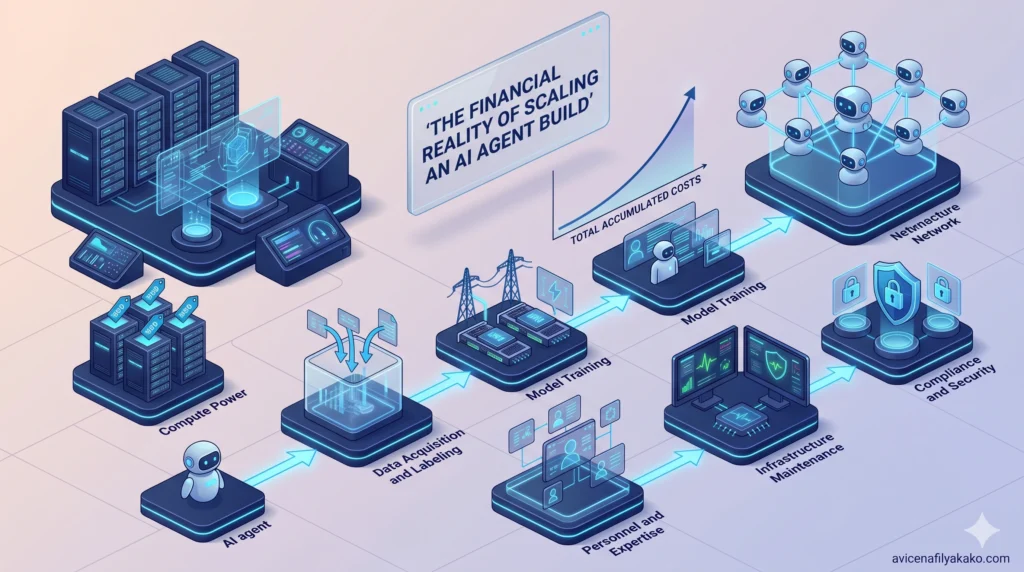
A hidden cost trap exists when choosing visual automation platforms for highly active systems. While the initial setup appears cost-effective, operational pricing models diverge drastically as transaction volume scales.
No-code platforms charge based on operations or task executions. If your assistant monitors an inbox, processes attachments, runs a semantic search, calls an LLM, and updates a database, a single incoming message can easily consume 5 to 10 visual operations. If you scale this into a fully operational Zero Inbox AI email intent sorting system, the high frequency of incoming data will quickly drain your platform execution limits.
If your assistant handles hundreds of tasks daily, you will quickly find yourself pushed into premium platform tiers costing hundreds of dollars per month—independent of your actual AI token consumption.
Building your AI agent build via Python bypasses these arbitrary middleware fees entirely. Your script runs on local machines, serverless cloud functions, or lightweight virtual private servers for minimal cost. Your only variable expense is the direct infrastructure cost and the raw input/output tokens billed by provider APIs.
Hybrid Architectures: The Practical Middle Ground
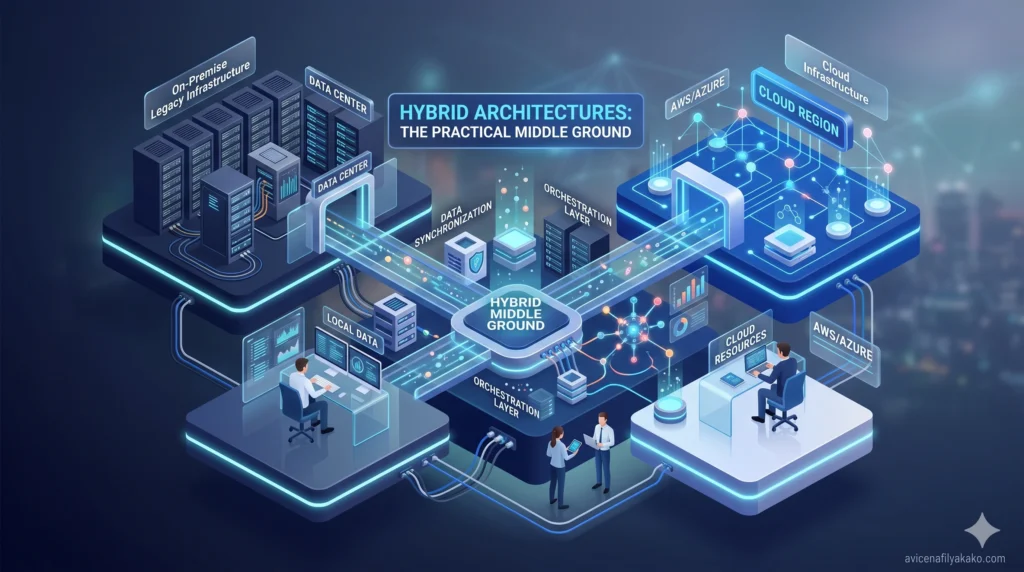
You do not have to choose a strictly binary path. Experienced developers often employ a hybrid architecture designed to leverage the distinct advantages of both ecosystems.
┌───────────────────────────────────────┐
│       Make.com / No-Code Layer        │
│   - Direct Webhook Triggers           │
│   - UI Connectors (Slack, Email)      │
└──────────────────┬────────────────────┘
                   │  Passes Clean Payload
                   ▼
┌───────────────────────────────────────┐
│         Python Engine (API)           │
│   - Runs Complex State Logic          │
│   - Executes Token Pruning            │
└───────────────────────────────────────┘
In a hybrid configuration, you use a visual platform as an ingestion and routing mechanism. For example, Make.com can watch a Slack channel, authenticate an incoming webhook, and extract a clean text payload.
Instead of processing that data with complex visual logic, it passes the clean payload directly to a custom Python script hosted on a serverless function via a simple HTTP POST request.
The Python script executes the complex prompt configurations, coordinates state management, processes the variables through your chosen ai modes, and returns a structured JSON response. The no-code platform receives this output and distributes it back to your destination applications. This strategy keeps your visual layout clean while centralizing core cognitive processing within code.
Verifiable Benchmarks in AI Assistance

When determining if your programming skills are sufficient to justify the code-first route, consider empirical data regarding development efficiency.
An extensive 2024 study by Anthropic on AI assistance in coding skills demonstrated that modern frontier models dramatically lower the barrier to entry for constructing complex software architectures. The research showed that developers leveraging advanced models complete programming tasks significantly faster than those working unassisted.
This paradigm shift alters the equation. Writing a custom script to manage your assistant no longer requires years of deep architectural experience.
You can use frontier models to generate foundational code, construct boilerplate API configurations, and debug complex syntax errors on the fly. This shift effectively mitigates the primary historical advantage of visual builders: speed.
Concrete Implementation Framework
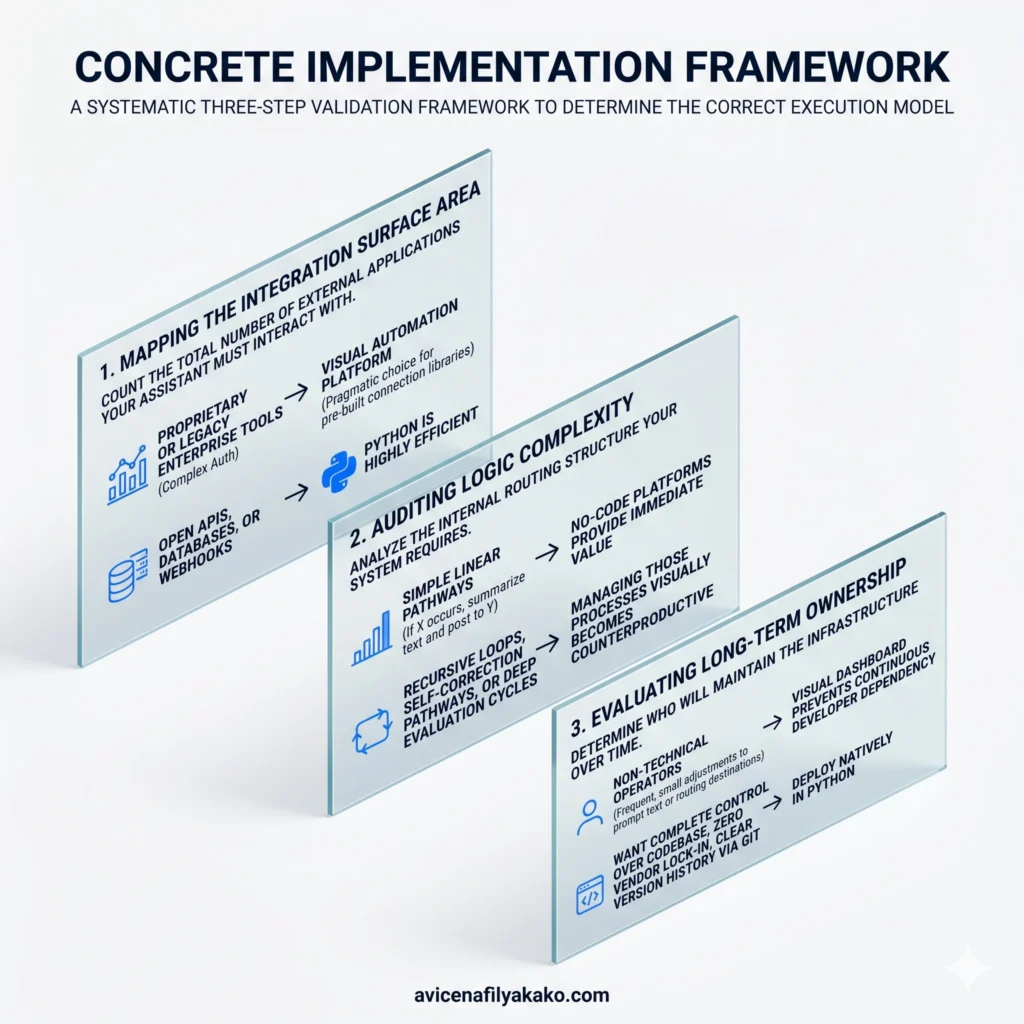
To systematically determine the correct execution model for your project, apply this three-step validation framework.
1. Mapping the Integration Surface Area
Count the total number of external applications your assistant must interact with. If your workspace relies on highly proprietary or legacy enterprise tools that require complex authentication protocols, a visual automation platform is often the pragmatic choice simply for its pre-built connection libraries.
If you are primarily interacting with open APIs, databases, or webhooks, Python is highly efficient.
2. Auditing Logic Complexity
Analyze the internal routing structure your system requires. If your automation contains simple linear pathways—such as “If X occurs, summarize text and post to Y”—no-code platforms provide immediate value.
If your workflow requires recursive loops, self-correction pathways, or deep evaluation cycles, managing those processes visually becomes counterproductive.
3. Evaluating Long-Term Ownership
Determine who will maintain the infrastructure over time. If the system will be handed off to non-technical operators who need to make frequent, small adjustments to prompt text or routing destinations, a visual dashboard prevents continuous developer dependency.
If you want complete control over your codebase, zero vendor lock-in, and clear version history via Git, deploy natively in Python. Moving away from proprietary clouds not only cuts middleware costs but also allows you to maintain personal AI data sovereignty by keeping all sensitive operational data completely under your local control.
FAQ
Can I build an AI agent without knowing how to code?
Yes, you can build fully functional AI agents using visual workflow builders like Make.com, Zapier, and Flowise without writing traditional code. These platforms use drag-and-drop interfaces to connect data sources to LLM endpoints, allowing you to map logic paths visually. However, you will still need a strong understanding of conditional statements, API structures, and data types to build complex systems.
Is Python or no-code better for production AI agents?
Python is generally superior for production-scale AI agents due to its granular state management, robust debugging environments, and lower operating costs at high volumes. No-code platforms are highly effective for rapid prototyping and managing simple applications, but they can become expensive and visually unmanageable as logic pathways scale. Many production environments use a hybrid approach that leverages the strengths of both systems.
How do API costs differ between Python and Make.com?
Python configurations incur direct costs solely for raw server compute and the exact tokens consumed by the AI provider APIs. Make.com introduces a separate platform subscription tier or charges per-node execution fees on top of your underlying model token costs. For complex, multi-step workflows that run thousands of times per month, this middleware platform fee can easily outpace the actual cost of the AI tokens themselves.
Choosing your architecture requires looking past marketing promises of “instant deployment” and evaluating your system’s long-term operational reality. If you want a quick proof of concept to automate basic communication tasks, start with a visual no-code builder.
But if you are designing a core operational hub that demands precise memory retention, custom error handling, and predictable running costs at scale, invest the time to build your assistant natively in Python. For a deeper look into hands-on builds, read through this case study on building a personal AI assistant in Python.
Disclaimer: The information provided in this article is for educational and general informational purposes only and should not be construed as professional advice (such as legal, medical, or financial). While the author strives to provide accurate and up-to-date information, no representations or warranties are made regarding its completeness or reliability. Any action you take based on this information is strictly at your own risk.