
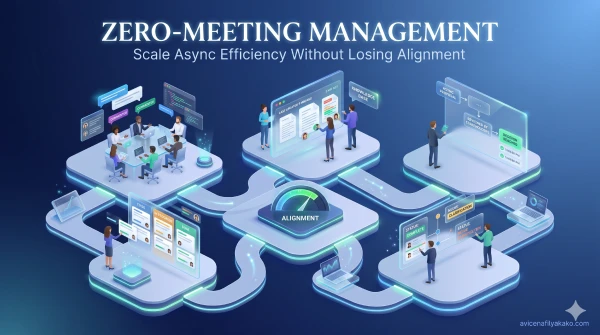
Most remote companies are trapped in a destructive cycle of synchronous overhead. We are told that remote work grants freedom, yet our calendars are choked with “quick syncs,” daily standups, and retrospective meetings. This constant fragmentation of time destroys our deep work windows, forcing engineers and creators to build in the margins of their days.
Over the last 12 months, I transitioned my fully remote product development team of 12 people into a strict zero-meeting management framework. We shifted 100% of our status updates, sprint planning, and retrospectives to asynchronous channels.
The results were immediate. We successfully eliminated 8 hours of weekly meeting overhead per person down to zero. Concurrently, our sprint ticket deployment velocity increased by 35% within 90 days. Furthermore, internal team surveys tracked a 40% reduction in workplace fatigue caused by context switching.
Achieving this level of project management efficiency requires moving past generic management philosophies. You must intentionally design a digital workspace that protects your team’s cognitive load and flow state.
The Synchronous Illusion: Why Standups Kill Deep Work
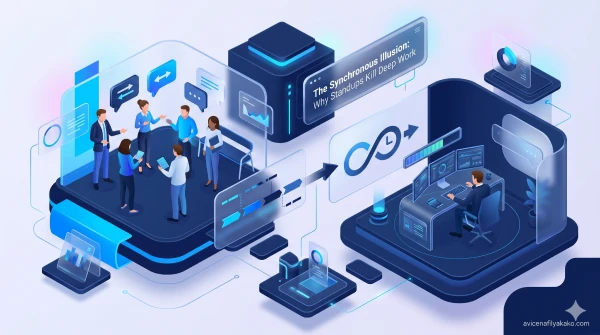
Traditional Agile advocates insist that synchronous daily standups are non-negotiable for maintaining team alignment. I argue that these meetings are an outdated productivity killer. Protecting these uninterrupted time blocks is critical not just for engineering squads, but for individuals as well; learning how to structure a solopreneur hour of power can help you cultivate identical deep work habits to maximize your own daily output.
Forcing a developer or designer to break their concentration for a chaotic 15-minute Zoom call does not create real alignment. Instead, it fractures their focus. When an engineer is pulled out of a complex coding problem, it can take upwards of 20 minutes just to re-enter a state of flow.
Real operational alignment happens when you build a documentation-first culture. In this ecosystem, work is not explained verbally; it is captured with absolute context inside your tools. This allows team members to review information and provide input during their natural cognitive breaks, rather than at a time dictated by a calendar invite.
Architecture of an Asynchronous Stack: Slack and Trello
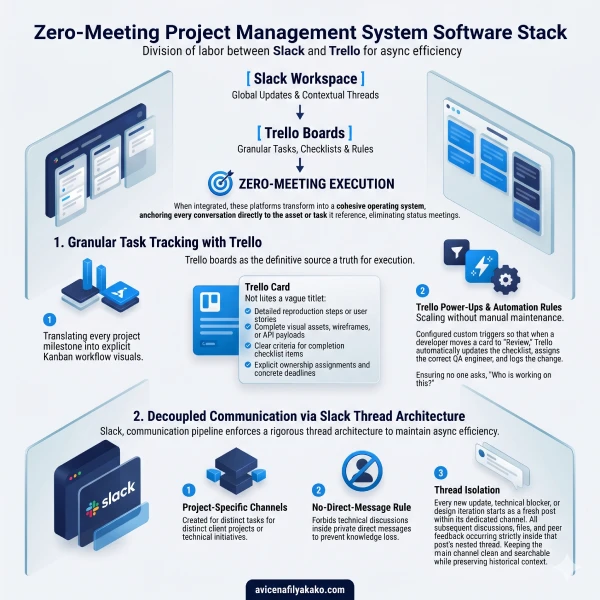
To run a zero-meeting project management system, your software stack must separate broad team coordination from individual task execution.
A technical product analysis on Slack vs. Trello by the Slack Team details this division cleanly: Slack acts as an organization-wide communication layer, while Trello provides a highly structured Kanban visual system to track task execution.
When you integrate these platforms natively, they transform from simple productivity applications into a cohesive operating system. The objective is to anchor every conversation directly to the asset or task it references, completely removing the need for a status meeting.
1. Granular Task Tracking with Trello
Your Trello boards serve as the definitive source of truth for execution. Every single project milestone must be translated into explicit Kanban workflow visuals.
Inside a zero-meeting framework, a Trello card cannot simply be a vague title like “Fix login bug.” It must contain absolute context:
- Detailed reproduction steps or user stories.
- Complete visual assets, wireframes, or API payloads.
- Clear criteria for completion checklist items.
- Explicit ownership assignments and concrete deadlines.
To scale this without manual maintenance, use Trello Power-Ups & Automation Rules. You can configure custom triggers so that when a developer moves a card to “Review,” Trello automatically updates the checklist, assigns the correct QA engineer, and logs the change. This architectural clarity ensures no one ever asks, “Who is working on this?”
2. Decoupled Communication via Slack Thread Architecture
If Trello is your execution ledger, Slack is your communication pipeline. However, without strict guardrails, Slack can quickly devolve into a chaotic stream of consciousness that demands immediate attention, recreating the exact anxieties of a physical meeting.
To maintain async efficiency, you must enforce a rigorous Slack thread architecture.
- Project-Specific Channels: Create isolated internal channels for distinct client projects or technical initiatives.
- The No-Direct-Message Rule: Forbid technical discussions inside private direct messages. If a decision occurs in a private chat, that knowledge is lost to the rest of the team.
- Thread Isolation: Every new update, technical blocker, or design iteration must start as a fresh post within its dedicated channel. All subsequent discussions, files, and peer feedback must occur strictly inside that post’s nested thread.
This structural constraint keeps your main channel clean and easily searchable, preserving historical context for anyone opening the app hours later.
Designing the Async Workflow
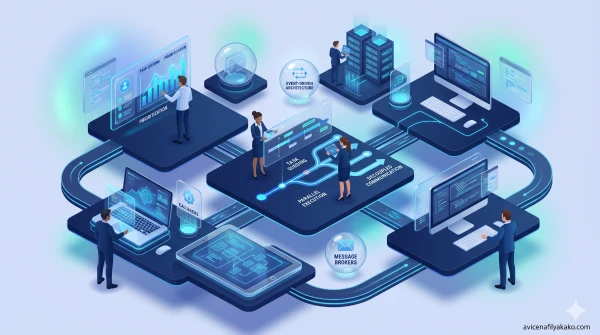
Operating without meetings requires clear operational boundaries between your tools. The table below outlines how responsibilities split across an async tool ecosystem to maintain momentum.
| Operational Layer | Core Platform | Execution Mechanic | Async Outcome |
|---|---|---|---|
| High-Level Strategy & Goals | Slack (#general / Pinned Posts) | Weekly strategic plan published every Friday morning. | Eliminates Monday morning status syncs. |
| Project Milestones | TeamGantt / Shared Trackers | Live timeline links embedded directly into Slack channel descriptions. | Keeps cross-functional deadlines visible at a glance. |
| Granular Execution | Trello Boards | Automation rules update cards, checklists, and ownership automatically. | Removes the manual work of assignment tracking. |
| Contextual Problem Solving | Slack Threads | Structured technical discussions locked inside specific, searchable threads. | Eliminates the need for emergency huddles. |
By managing workflows this way, you change how information flows through your business. A real-world case study on digital agency workflows published by Input Logic on Medium demonstrates that pinning contractual agreements as PDFs within project channels and embedding live timeline URLs directly into channel descriptions gives distributed teams everything they need to execute projects autonomously.
When your documentation is this clear, your team does not need to wait for a meeting to figure out what to do next.
Tactical Implementation: Moving Your Team to Zero Meetings
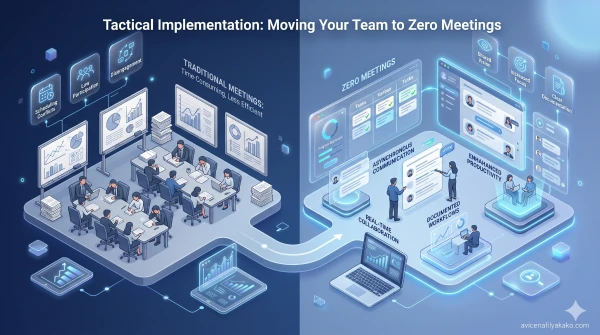
Transitioning a team away from synchronous habits requires clear, practical steps. You cannot simply delete your calendar events overnight; you must replace them with reliable technical processes.
- Audit and Cancel the Standup: Replace your daily standup with an automated Slack workflow. Program a bot to prompt team members at the end of their local working day with three clear queries: What was shipped, what is up next, and what is blocked.
- Standardize the Intake Quality: Enforce a strict policy where no work begins unless the corresponding Trello card meets your team’s definition of complete context. If a task lacks necessary details, it is sent back to the backlog asynchronously.
- Set Communication Response Windows: Explicitly decouple your communication from real-time expectations. Define clear operational guidelines: non-urgent Slack threads require a response within 4 to 6 business hours, not 4 minutes. This boundaries allow your team to close communication apps and focus on deep execution.
As you embed these practices, you will notice that zero-meeting management changes your team’s dynamic. People stop managing by presence and start managing by objective output. To successfully shift focus from hours spent in meetings to actual results, you must establish clear, quantifiable frameworks; you can explore this guide on tracking remote team KPIs effectively to accurately measure asynchronous productivity without micro-managing.
Frequently Asked Questions
Can zero-meeting project management work for creative or highly collaborative teams?
Yes, zero-meeting management works exceptionally well for creative teams provided that visual context is embedded directly into your tools. By using screen recordings alongside structured Trello card descriptions, creative professionals can review, critique, and iterate on complex designs during their individual flow states without interrupting their deep focus.
How do you handle emergency issues or blockers without a live meeting?
Emergency issues are handled through strict thread isolation in a dedicated #emergency Slack channel with immediate notification rules. By centralizing the issue, relevant technical assets, and real-time debug logs in one visible thread, the correct engineer can diagnose and fix the problem with full context, avoiding the confusion of an unrecorded group huddle.
Will a zero-meeting culture reduce team cohesion and cause isolation?
No, a zero-meeting culture does not cause isolation if you purposefully design separate channels for social interaction. Separating transactional work communications from casual spaces allows team members to build authentic relationships in dedicated social channels, keeping production channels clear, professional, and entirely focused on execution.
The shift to an asynchronous, meeting-free workspace is fundamentally a shift toward respecting human attention. By replacing real-time check-ins with clear tool architecture and a documentation-first culture, you don’t just eliminate dead time on calendars. You actively build a high-velocity environment where deep work can thrive.
Disclaimer: The information provided in this article is for educational and general informational purposes only and should not be construed as professional advice (such as legal, medical, or financial). While the author strives to provide accurate and up-to-date information, no representations or warranties are made regarding its completeness or reliability. Any action you take based on this information is strictly at your own risk.